
 English
 Bangla
 Arabic





Invoice Cancellation on Termination
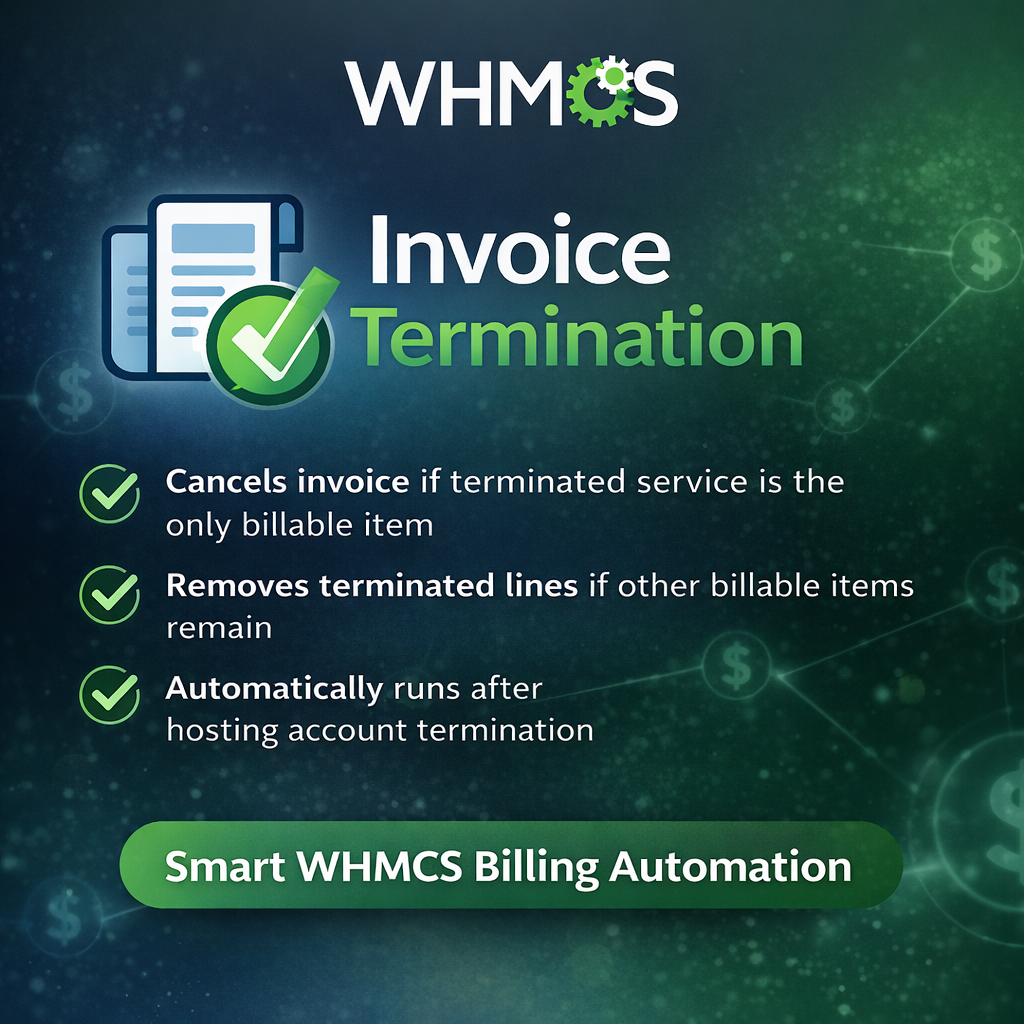
Invoice Cancellation on Termination for WHMCS is a smart WHMCS addon built to reduce manual invoice cleanup after service termination.
When a hosting account is terminated, unpaid invoices connected to that service can remain behind and create unnecessary confusion for admins and clients. This addon automatically steps in after a successful termination and checks related unpaid invoices linked to the service.
If the terminated hosting service is the only real billable item on the invoice, with the exception of late fees, the addon automatically cancels the invoice.
If the invoice contains other valid billable items, the addon removes only the terminated service-related line items and leaves the rest of the invoice intact.
The module can also review related hosting addon and upgrade-linked invoices, log every action taken, and optionally notify administrators when invoices are cancelled or amended.
This helps keep WHMCS billing cleaner, more accurate, and easier to manage without manual intervention.
Key Features
- Runs automatically after successful hosting account termination
- Detects related unpaid invoices for the terminated service
- Cancels invoice if the terminated service is the only billable item
- Preserves late fee logic during invoice review
- Removes only terminated service-related lines when other billable items remain
- Supports related hosting addon invoice handling
- Supports related upgrade invoice review
- Action logging built into the addon admin page
- Optional admin notifications
- No special server configuration required
- Simple installation and lightweight structure
Main Benefits
- Reduces manual billing cleanup
- Prevents clients from seeing irrelevant unpaid invoices after termination
- Keeps invoice records more accurate
- Saves admin time
- Improves WHMCS billing workflow
- Helps avoid mistakes caused by manual invoice edits
Requirements
- WHMCS
- Standard WHMCS addon module support
- No ionCube changes or special server setup required
- No external API required
Installation Steps
-
Upload the
invoiceterminationfolder to:
modules/addons/ - Go to WHMCS Admin > System Settings > Addon Modules
- Activate Invoice Termination
- Click Configure
- Enable logging if needed
- Save the settings once so WHMCS loads the hook file
- Start testing with a terminated service and unpaid invoice
Suggested Package Contents
invoicetermination/
├── invoicetermination.php
├── hooks.php
└── README.txt
Related products








WHMCS Billing Cycle Upgrade


WHMCS Lifetime License


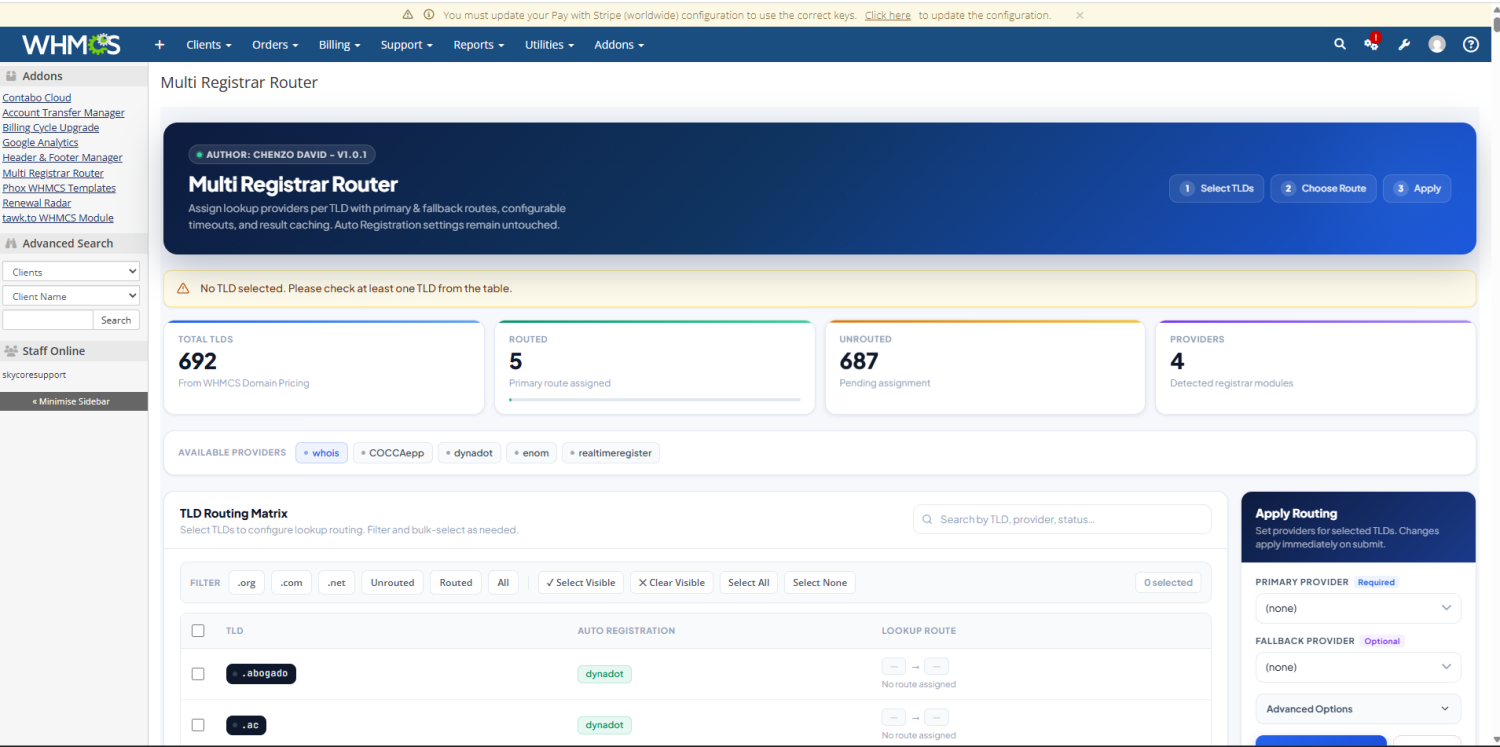
Multi Registrar Router for WHMCS


WHMCSBot for Telegram
Frequently Bought Together
WHMCSBot for Telegram
WHMCS Billing Cycle Upgrade
WHMCS Lifetime License
Multi Registrar Router for WHMCS
Products from this Seller
View All
WHMCS Billing Cycle Upgrade
WHMCS Lifetime License

Multi Registrar Router for WHMCS
WHMCSBot for Telegram




Share with Friends
Trading is more effective when you share products with friends!Share you link
Share to